
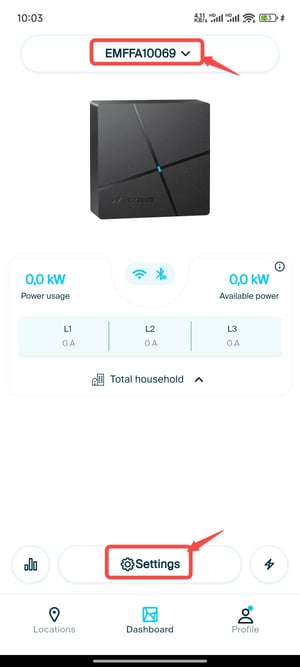
1.Stay close to the Load Balancer (Smart Meter) and open the myNexBlue App.
2.In the Dashboard, switch to the Load Balancer (Smart Meter).
3.Tap Settings.
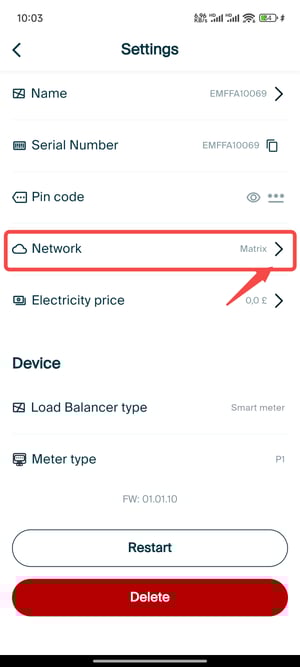
4.Select Network.
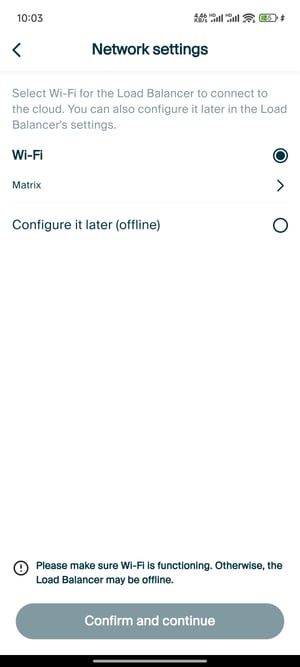
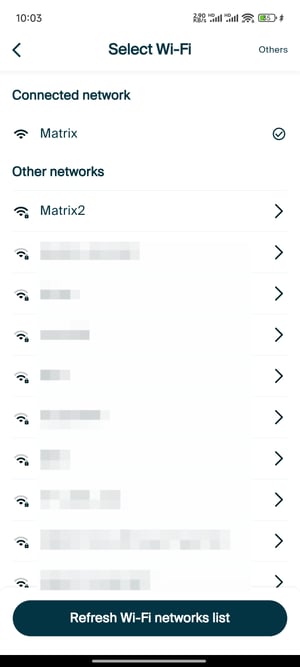
5.Choose an available Wi-Fi network and connect.
1.Stay close to the Load Balancer (Smart Meter) and open the myNexBlue App.
2.In the Dashboard, switch to the Load Balancer (Smart Meter).
3.Tap Settings.
4.Select Network.
5.Choose an available Wi-Fi network and connect.